The tk71 app for Android, in one 58 MB file
The tk71 app puts 5,500 games, cricket markets and your BDT balance on one screen. Download the file, allow the install, and you can be at the tables in about two minutes on a normal connection.
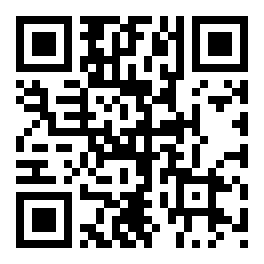
File name tk71.apk, version 2.9.6, free. There is no Play Store step and no store account needed. If you want the file on a second phone, scan the QR code in the showcase below instead of typing the address again.
Check the file before you tap download
These details are fixed for this release. If a message, a forwarded link or another site shows a different version, size or price, it is not our file.
| Item | Detail |
|---|---|
| File name | tk71.apk |
| Version | 2.9.6 |
| File size | 58 MB |
| Minimum Android | 6.0 |
| Last updated | 10 November 2026 |
| Price | Free |
| Languages | English, Bangla |
| Games inside | 5,500 |
Send the file to another phone with one scan
Nobody wants to type an address on a cousin's phone at midnight. Open this page on a laptop, show the code, and the download starts on the other handset. The same file installs on every Android phone in the house.
- Built for portrait use, so one thumb covers the bet slip and the cashier.
- Deposits from ৳200 through bKash, Nagad, Rocket and Upay, credited in about 5 minutes.
- Game tiles open in place, so you do not reload the whole lobby on a slow line.
- Signed by us and served from tk71.team only. No third-party mirror is involved.
Installing the tk71 app on Android, step by step
Five steps, about two minutes on a normal connection. Menu names shift slightly between brands, but the order is the same on Samsung, Xiaomi, Realme and Tecno phones.
-
1
Allow installs from your browser
Open Settings, then Apps, then Special access, then Install unknown apps. Pick the browser you download with, Chrome or Firefox, and switch on Allow from this source. Android remembers the choice, so later updates take one tap.
-
2
Download tk71.apk from this page
Tap the Download APK button above. The file is 58 MB, so use Wi-Fi if your data pack is tight. Keep the screen awake until the notification says the download is finished, which is usually under a minute.
-
3
Open the file from your notifications
Pull down the notification shade and tap tk71.apk. If the notice has gone, open Files or My Files, go to the Downloads folder and tap the file there. Do not rename or unzip it before installing.
-
4
Confirm the install
Android may show a Play Protect warning because the file did not come from the Play Store. Tap More details, then Install anyway. The install takes about a minute and the tk71 icon then sits on your home screen.
-
5
Log in, or open a new account
Existing players sign in with their phone number and password. New players can register inside the app, then deposit from ৳200 through bKash or Nagad to claim the 245% first deposit bonus, up to ৳26,500.
On an iPhone? Add tk71 to the home screen
There is no iOS file to install, and we never ask you to change iPhone settings or trust a profile. Safari can keep tk71 one tap away instead.
- Open Safari and go to tk71.team.
- Tap the Share button in the toolbar.
- Scroll the list and choose Add to Home Screen.
- Name it tk71, then tap Add.
The icon opens the mobile site with your balance, bonuses and bet slip exactly where you left them. It updates the moment we publish a change, so there is nothing to re-download.
What iPhone players get
Same account, same ৳ wallet and the same 5,500 games as Android players. Deposits from ৳200 and withdrawals from ৳1,000 work through the mobile cashier, with the standard 8-minute payout window after verification.
What you get once the tk71 app is open
Six areas you will touch on a normal evening: slots, dealer tables, cricket, the cashier, alerts and limits.
Slots from five studios
Over 5,500 titles from JDB, PG Soft, Habanero, Evolution and Ezugi load inside the app. Filters sort by provider, RTP and minimum bet, so a ৳1 spin on Ocean King Jackpot is three taps away.
Live dealer tables in portrait
Roulette, blackjack and game shows stream from Evolution and Ezugi. The video sits above the bet grid, so both stay on screen, and limits start from a few taka per hand.
Cricket and football markets
BPL, international cricket and European football sit beside the casino. Markets open hours before the toss, and the bet slip stays pinned to the bottom while you browse other matches.
Cashier inside the same screen
bKash, Nagad, Rocket and Upay deposits clear in about 5 minutes. Withdrawals of ৳1,000 or more leave in roughly 8 minutes once your account is verified, with ৳200,000 as the daily cap.
Alerts you control
Switch on notices for bonus drops, match starts and withdrawal confirmations. Each one is a plain text message, and you can turn a whole category off from the app settings at any time.
Session tools on the menu
Set a deposit cap, a session timer or a short break from the account menu. The app also signs you out after a stretch of inactivity, which matters on a phone the whole family shares.
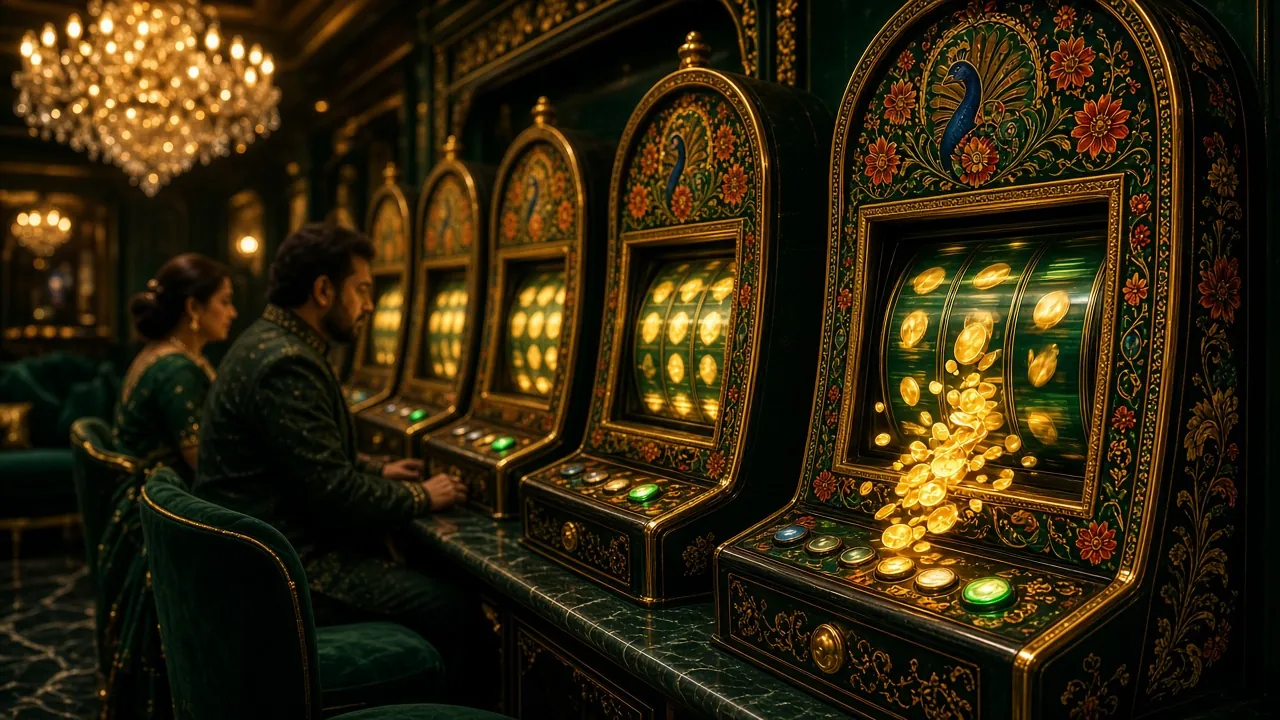
Slots, dealer tables and cricket in the tk71 app
Two titles from the lobby show what the app handles well: a fast slot built for short sessions, and a lottery-style game that suits a small stake. Tap a card to open the register page and start with the welcome bonus.


Match markets that follow the clock
Ball-by-ball markets, session lines and the match winner sit in one tab. Prices move with the game, so the app holds the slip while you decide, and a placed bet stays visible in My Bets without a refresh.
Open the casino lobbyApp or browser: which one suits your data plan
Both use the same account and the same BDT balance. The difference is how much of your phone and your data each one takes.
| What matters | tk71 app | Browser version |
|---|---|---|
| Install size | A single 58 MB file that stays on the phone | Nothing to install, nothing stored |
| Data on 3G | Loads only the game you open, so repeat visits use less | Reloads the lobby each time you switch games |
| Alerts | Bonus, match and payout notices you can switch off | None unless the tab is already open |
| Game library | All 5,500 titles from JDB, Evolution, Ezugi, PG Soft and Habanero | The same 5,500 titles, loaded per page |
| Cashier | bKash, Nagad, Rocket and Upay in two taps | The same methods inside the browser tab |
| One-hand use | Portrait layout with a pinned bet slip | Depends on the phone browser and zoom |
| Updates | Download the new file when a build replaces 2.9.6 | Updates the moment we publish a change |
Permissions the tk71 app asks for
Android lists every permission in plain words before the install finishes. Here is what each one covers, and what the app never reads.
Storage, so a download can land
The app writes the game cache and your bet history to the phone. Keep more free space than the 58 MB file itself so the installer has room to unpack. Nothing is deleted from your gallery or your files.
Network access, to reach the tables
Games, odds and the cashier all come from our servers, so the app needs a connection of 3G or better. It does not route traffic through another phone or change your access point settings.
Notifications, only if you opt in
Android asks once after the first login. Say no and the app works normally, with alerts waiting inside the message centre. Bonus, match and payout notices are the only things we send.
Nothing else on your phone
The app never asks for contacts, SMS, call logs or your location. Documents for verification, such as a National ID, passport or driving licence, are uploaded inside the cashier and reviewed within 24 hours.
Phones that run the tk71 app smoothly
Most Android handsets sold in Bangladesh in the last six years meet all of this. Older models can still use the mobile site.
| Requirement | What you need |
|---|---|
| Android version | 6.0 or newer |
| Free storage | More than the 58 MB file, so the installer has room to unpack |
| Connection | 3G or stronger; Wi-Fi recommended for the download and for updates |
| Play Store account | Not needed at any point |
| Languages | English and Bangla inside the app |
| Current build | 2.9.6 |
| Release date | 10 November 2026 |
When the install stops halfway
Five failures we see most often on local networks, with the fix that usually clears them.
| What you see | Likely cause | Fix |
|---|---|---|
| App not installed | An older copy with the same package name is still on the phone. | Uninstall the old tk71 app, restart the handset, then run the new file again. |
| Parse error | The download broke before all 58 MB arrived, so the package is incomplete. | Delete the partial file in Downloads, move to Wi-Fi and download a fresh copy. |
| Play Protect blocks it | Android does not recognise an APK from outside the Play Store. | Tap More details, then Install anyway, but only for the file from tk71.team. |
| Download freezes midway | Weak signal, or the phone filled up while the file was writing. | Free some space, switch to Wi-Fi and keep the screen awake until the notice finishes. |
| App opens then closes | Android is older than 6.0, or Android System WebView is out of date. | Update WebView and Chrome from the Play Store; if the phone runs 5.x, use the mobile site. |
Straight answers about the tk71 app
Short replies to the questions that reach live chat most weeks.
01Is the tk71 APK safe to install?
02The phone says “app not installed”. What should I try?
03Why does Play Protect warn about the tk71 app?
04How do I update to a newer build?
05Can I play without mobile data?
06Does the tk71 app work on iPhone?
07Do I need to verify before withdrawing in the app?
Match night starts with the tk71 app installed
Download the file, allow the install and log in. If you are new, register from the same screen, add ৳200 with bKash or Nagad, and the 245% welcome bonus lands on your first deposit. The cashier guide covers the rest.